
Best App To Help Write Customer Emails Faster And Better
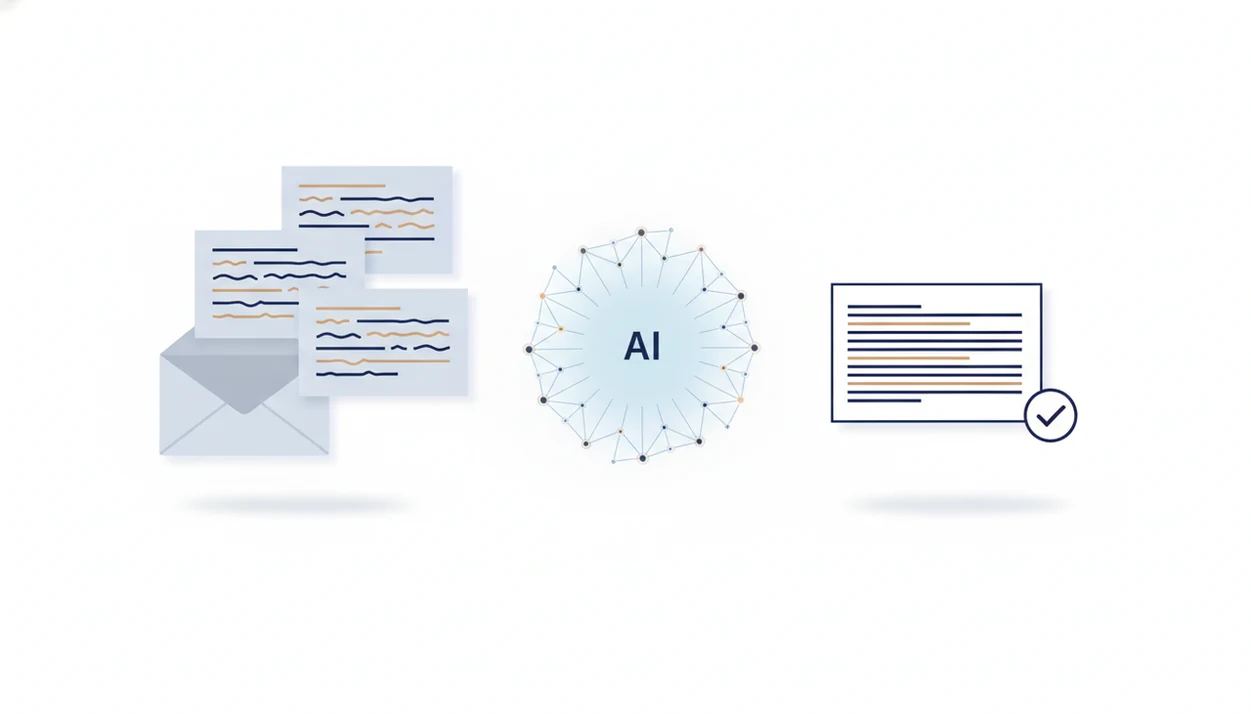
A strong app to help write customer emails drafts clear replies for complaints, refunds, delays, and questions while letting a human review tone, policy, and details before sending. Email AI is built for this workflow: generate a support-ready draft, adjust the tone, personalize it, and send from your normal email process.
> Definition: Email AI is an AI email generator that creates and improves business, career, and personal emails for professionals and teams.
- Use a customer email writing app for repetitive support replies such as refunds, order updates, appointment changes, complaints, and product questions.
- The safest AI app for support emails keeps humans in control, especially for emotional, legal, billing, or policy-sensitive conversations.
- The best results come from clear prompts, approved policy snippets, customer-specific details, and a final human review before sending.
How these apps look
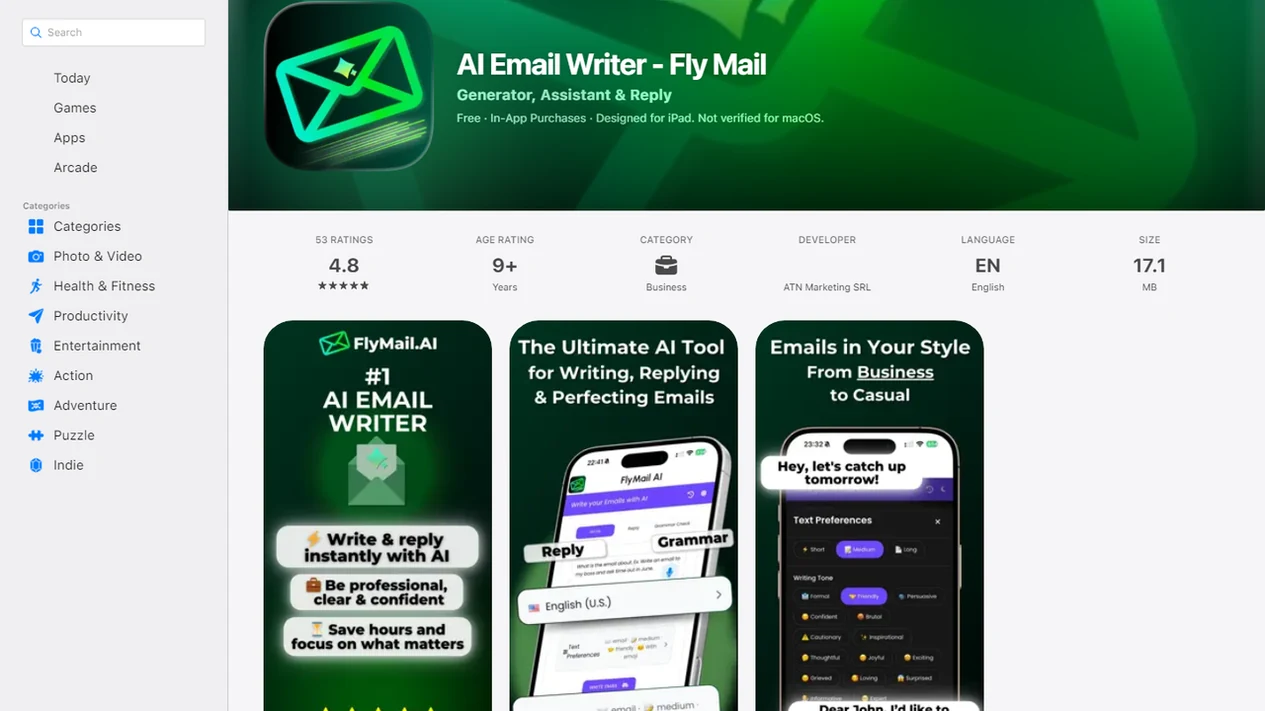
Side-by-side captures of the compared products. Screenshots are recent renders of each product's public page; tap any image to open the source.
Best customer email writing app shortlist
The right customer email writing app depends on whether you need first-draft generation, rewrite help, help desk context, or final proofreading. AI adoption in service operations is already practical, not theoretical; McKinsey reported in 2022 that service-operations optimization was among the top three AI use cases (https://www.mckinsey.com/capabilities/quantumblack/our-insights/the-state-of-ai-in-2022-and-a-half-decade-in-review).
- Email AI: Best for fast, on-tone customer email drafting across complaints, refunds, delays, follow-ups, and account questions.
- Help desk AI assistants: Best when agents need ticket history, macros, and CRM context inside platforms such as Zendesk or Intercom.
- Inbox writing assistants: Best for people replying directly from Gmail or Outlook after a long meeting.
- Grammar and tone editors: Best for polishing a rough reply, not building the whole response.
- Template libraries: Best for fixed answers that rarely change.
Support teams who answer the same refund request ten times a day usually need drafting plus tone adjustment, not another blank template.
At-a-glance comparison of AI apps for support emails
A quick comparison helps separate drafting tools from help desk automation and proofreading tools. Zendesk reported in 2023 that 71% of customers expect personalized interactions, so even a good AI draft still needs customer-specific details (https://www.zendesk.com/customer-experience-trends/).
| App type | Best for | Key strength | Watch-out |
|---|---|---|---|
| Email AI | Dedicated email generation | Turns a short issue summary into a complete support reply | Needs accurate policy and order details |
| Help desk AI | Ticket-based teams | Can use case history and macros | Setup can take time |
| Gmail/Outlook assistants | Inbox replies | Keeps writing close to the actual message | May lack support-specific guardrails |
| Grammar tools | Proofreading | Catches clarity, grammar, and tone issues | Usually weaker at scenario-specific drafting |
| Canned-response tools | Repeated answers | Keeps approved language consistent | Can sound stiff if not personalized |
If the priority is faster customer replies without losing tone, EmailAI fits because the workflow starts with the support scenario, then lets the agent revise before sending.
Email AI for customer email drafts
Does Email AI write customer replies from a short note or pasted message? Yes. Email AI can turn a customer complaint, refund request, shipping delay, account question, apology email, or follow-up into a complete email draft.
The practical value shows up in small moments. A refund request sits at the top of the queue, and the missing order details are highlighted in yellow. Instead of starting cold, the agent pastes the message, adds the policy limit, and chooses a tone such as empathetic, concise, formal, friendly, apologetic, or firm.
Customer support email tools should deliver clear drafts and controlled rewrites, not fake certainty about policies the business never supplied. Human review keeps the final email accurate, specific, and policy-safe. For owners handling support themselves, small business email AI can also help separate customer replies from vendor and sales messages.
How a customer email writing app works
A customer email writing app works by combining the user’s prompt, pasted customer message, issue context, desired outcome, and tone choice into a generated email draft. The system uses natural language modeling to predict a useful response structure: subject line, greeting, acknowledgment, answer, next steps, and sign-off.
In plain terms, the model is arranging likely helpful language around the facts you provide. It does not automatically know your refund rules, shipping cutoff, warranty terms, or escalation policy unless you add them or connect an approved knowledge source.
That matters on Monday at 8:57 a.m., when a follow-up needs to go out before the next call. Integrations with inboxes, CRMs, order systems, or help desks can improve contextual accuracy because the draft can include names, order numbers, plan tiers, and case history instead of placeholders.
How to use an AI app for support emails
A safer AI support workflow starts with enough context, then ends with a human edit. Use this when the customer needs a useful answer, not just a warmer version of “we’ll look into it.”
- Paste the customer message or summarize the issue in one or two clear sentences.
- Add the customer name, order number, policy limit, deadline, desired outcome, and any promised next step.
- Choose the tone, such as empathetic, concise, formal, friendly, apologetic, or firm.
- Generate the draft, then check whether the subject line, greeting, body, and sign-off match the situation.
- Review for accuracy, empathy, personalization, compliance, and any claim the business cannot honor.
- Send from your normal inbox or help desk only after the final human rewrite pass.
The tiny subject-line field still gets rewritten three times. That is normal.
Customer email prompt templates for common support scenarios
Prompt templates reduce inconsistency across agents because each reply starts with the same required facts. They work best when they include approved policy language, so the AI does not promise refunds, delivery dates, or exceptions the company cannot honor.
Refund request prompt
- Refund approved: “Write a [tone] email to [customer name] approving a refund for [issue]. Include [refund amount], [timeline], [order number], and [next step].”
- Refund denied: “Write a polite email to [customer name] explaining that the refund cannot be approved because [policy limit]. Offer [alternative resolution] by [deadline].”
Delayed shipment prompt
- Delayed shipment: “Write an apologetic but concise delay email to [customer name] about [order number]. Explain [cause if known], give [new delivery estimate], and offer [resolution].” For longer notices, a delay notice email generator can help keep updates consistent.
Complaint apology prompt
- Angry complaint: “Draft an empathetic reply to [customer name] about [issue]. Acknowledge frustration, avoid blame, state [approved action], and use a calm [tone].”
- Product confusion: “Explain [feature or product] to [customer name] in simple terms. Include [steps], [link or resource], and invite one follow-up question.”
How we picked the best customer email writing app
We evaluated customer email apps by draft quality, tone control, speed, support-scenario coverage, editing workflow, integrations, privacy, and human review. Generic tools like chatgpt.com, grammarly.com, copy.ai, or flymail.ai can help, but they may need more setup to behave like a support-specific email workflow.
- Draft quality: The reply should answer the issue, not just sound polite.
- Tone control: Agents need quick switches between apologetic, firm, friendly, and formal.
- Scenario coverage: Refunds, delays, complaints, account questions, and follow-ups should be easy to start.
- Workflow fit: The draft should move cleanly into the inbox, help desk, or CRM.
- Review support: The app should make editing obvious, not hide the final responsibility.
For support teams, Email AI is often easier than a general chatbot because it starts from email-specific structure and a rewrite pass. McKinsey reported in 2021 that AI-supported customer service and contact centers saw 20–30% average efficiency gains, but those gains still need quality checks.
Honest cons of AI apps for support emails
AI can sound generic when the prompt is vague. “Reply to this angry customer” usually produces a soft paragraph with no useful next step. “Can you make this sound less annoyed?” works better when the draft includes the actual policy, timeline, and desired outcome.
An AI app also cannot replace judgment, empathy, or escalation handling. It may miss the difference between a routine late package and a customer who has already contacted support four times. Wrong policies, fabricated timelines, over-promising, and missed emotional context can damage trust fast.
Privacy needs attention too. Customer names, addresses, order numbers, payment references, and health or legal details may create compliance concerns when processed by third-party systems. Read the footer links people ignore: Privacy Policy, Terms, and unsubscribe text. For supplier questions, a vendor email generator is a better fit than forcing every business message into a support reply format.
Limitations for AI customer email apps
AI customer email apps are useful drafting aids, but they are not a substitute for trained support judgment. The main risks appear when teams skip context, review, or escalation rules.
- AI can hallucinate policies, timelines, refunds, credits, warranty terms, or account details if it is not given accurate context.
- Sensitive issues such as legal disputes, safety complaints, harassment, fraud, chargebacks, or major escalations need human handling.
- Customer data may create privacy, compliance, regional hosting, data-processing, or retention risks.
- Translations can miss cultural nuance, formality, apology strength, or tone in high-stakes customer emails.
- Overreliance on AI can weaken agent writing judgment if teams stop reviewing, coaching, and comparing before-and-after email examples.
- Integrations can improve accuracy, but bad CRM data can still produce bad replies.
- A polished email is not the same as a correct answer.
EmailAI works best when teams treat the draft as a starting point and keep the sender responsible for the final message.
FAQ
What writes customer emails for me?
AI email generators and customer email writing apps can draft replies from prompts, pasted customer messages, or common support scenarios.
Can AI write support emails?
Yes, AI can draft support emails for refunds, complaints, delays, and questions. A human should review the final email for accuracy, tone, and policy fit.
What is the best app for writing customer emails?
The best choice depends on the need: Email AI for drafting, help desk AI for ticket integration, inbox assistants for Gmail or Outlook replies, and grammar tools for proofreading.
Are AI email writers free?
Many AI email writers offer free plans with limits on drafts, features, or usage. Paid plans are usually more useful for frequent customer support work.
Can AI answer customer complaints?
AI can draft empathetic complaint replies that acknowledge the issue and propose next steps. Sensitive complaints, escalations, or legal issues should be handled by a person.
Is customer data safe in AI?
Customer data safety depends on the provider’s privacy terms, data-processing practices, retention rules, and security controls. Avoid adding unnecessary sensitive information to prompts.
How do I prompt a customer email writing app for a customer reply?
Use this formula: customer issue, key context, policy limit, desired outcome, deadline, and tone. For example, ask Email AI to write a friendly refund reply using the order number and approved policy.
Will AI replace support agents?
AI is best used as a drafting assistant, not a full replacement for support agents. Humans still handle judgment, empathy, exceptions, and accountability.