
Concise Email Rewriter For Shorter, Clearer Emails
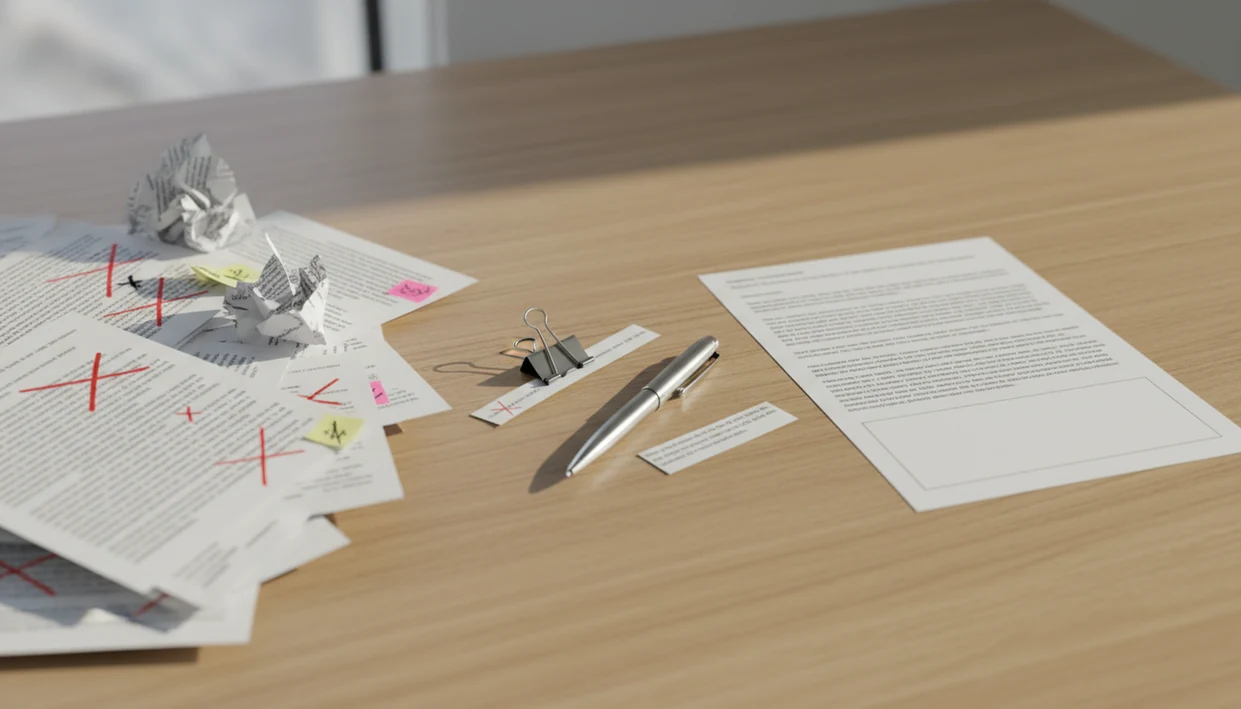
A concise email rewriter shortens long drafts by removing filler, tightening wording, and preserving the purpose, context, and next step. The best results come from telling the AI who the email is for, what must stay, and how short the final version should be.
Definition: A concise email rewriter is an AI email editing tool that turns a long or unclear draft into a shorter, clearer message without losing the main point or call to action.
TL;DR
- Use AI to shorten email drafts, but mark decisions, dates, names, numbers, and action items as must-keep details.
- Aim for a clear subject, one main purpose, minimal background, and a visible next step.
- Always review the rewrite for accuracy, tone, privacy, and missing nuance before sending.
Concise Email Rewriter Definition And Best Use Cases
A concise email rewriter is an AI email editing tool that turns a long or unclear draft into a shorter, clearer message without losing the main point or call to action. It is useful when the draft says the right thing, but takes too long to get there.
Use it for business updates, follow-ups, requests, apologies, career emails, and personal messages. The line to protect is meaning. Shortening removes repetition, throat-clearing, and excess background; it should not change a decision, soften a deadline, or invent a promise.
The tiny subject-line field often gets rewritten three times before sending. A concise pass helps there too. Tools like Email AI improve business, career, and personal emails by giving the draft a tighter structure before the sender reviews it.
Email Inbox Overload And Shorter AI Drafts
Readers are overloaded, so many emails get skimmed before they get read. A shorter email can reduce friction when it keeps the purpose and next step visible.
A 2012 McKinsey analysis reported that office workers spent about 28% of the workweek reading and answering email, roughly 2.6 hours per day, as summarized by Harvard Business Review source. Pew Research Center also found that email and the internet were the most important workplace tools for many U.S. workers, with email central to daily office communication source. That matches the Monday 8:57 a.m. scramble, when a follow-up has to go out before the next call.
Short is not always better. A study of 1.4 million emails found that messages between 50 and 125 words had the highest response rates, with a median around 75 words source. That does not mean every email should be 75 words. For routine work messages, concise and action-focused is often easier to answer because the reader can see the request quickly.
Five Facts About Making Email Concise With AI
- AI email shortening uses large language models to identify redundant phrases, compress sentences, and restate the message in fewer words.
- Rewrite quality depends on the purpose, audience, tone, and must-keep instructions the user provides before editing.
- Good concise rewrites preserve decisions, deadlines, owners, attachments, links, and next steps while trimming repeated context.
- Users should review and personalize every rewrite because AI can flatten nuance or make a sentence sound too generic.
- Inbox, browser, and mobile integrations can speed daily drafting when the user still checks the final message.
A good AI email generator and email writing assistant for business, career, and personal messages via web tools and mobile app should deliver faster drafts and cleaner rewrites, not permission to send unchecked text.
The cursor still blinks in Gmail after a long meeting. AI helps most when it gives you a workable second draft, not when it pretends to know what happened in the room.
Concise Email Rewriter AI Workflow
A concise email rewriter works by comparing your draft against patterns for shorter, clearer email: purpose, recipient, tone, must-keep facts, and next step. In plain terms, it predicts a shorter version that still fits the message pattern.
The model looks for repetition, hedging, extra background, weak openings, and unclear calls to action. It then rewrites for compression, structure, tone, and readability. That may mean turning three soft paragraphs into one direct request, or moving the deadline closer to the top.
But it does not truly know your internal facts. If the price changed, the policy shifted, or the hiring manager asked for a specific attachment, the tool only knows that if you provide it. For complex work messages, a professional email generator can help shape the draft, but the sender still owns the facts.
Concise Email Inputs Before AI Rewriting
Before using AI to make email concise, identify the one main purpose of the email. If the draft has three purposes, split them or decide which one matters now.
Name the audience and relationship. A note to a vendor, a VP, a professor, and a close teammate should not collapse into the same tone. Choose the tone before rewriting: direct, warm, formal, executive, friendly, or apologetic.
Next, highlight must-keep details. Include dates, prices, names, decisions, links, deadlines, attachments, and any exact wording that cannot change. Then decide the target length or compression level. “Cut by 40%” is clearer than “make it shorter.”
The rough draft matters. A freshly edited career change explanation, for example, may need brevity without losing the reason for the move.
How To Use A Concise Email Rewriter
Use a concise email rewriter as an editing pass, not as the final sender. The safest workflow is simple: give the tool enough context, request a specific length, and then verify the output.
- Paste or draft the email in the tool, including the full context the reader needs.
- Set the goal, audience, and tone so the rewrite knows whether to sound direct, warm, formal, or apologetic.
- Label must-keep details such as names, numbers, decisions, links, deadlines, and action items.
- Ask for a shorter version with a target length, such as “under 100 words” or “cut this by half.”
- Review, personalize, and send only after checking facts, tone, attachments, and the call to action.
For busy professionals, this method is often faster than rewriting from scratch because the first draft already contains the raw material. A work email generator can also help when there is no usable draft yet.
Prompt Formula To Shorten Email AI Drafts
“How do I prompt AI to shorten an email without losing the point?” Use this formula: purpose + audience + tone + target length + must-keep details + draft.
Vague prompts like “make this shorter” often remove the wrong material. The tool may cut the context that made the message polite, or bury the actual request. Better instructions make the rewrite safer.
Copyable concise email prompt
Copy this prompt:
> Rewrite this email to be about half as long. Purpose: [state purpose]. Audience: [recipient and relationship]. Tone: [direct/warm/formal/friendly/apologetic]. Must keep: [dates, names, numbers, decisions, links, deadlines, action items]. Keep the call to action clear. Draft: [paste email].
For bullets, add:
> Preserve the bullet points and all action items, but shorten the wording inside each bullet.
The sentence a real user types is often, “Can you make this sound less annoyed?” That is fine, but add what must stay.
Concise Email Rewriter Examples
Concise rewriting works best when you can see the tradeoff: fewer words, same facts. The goal is not to make every message tiny; it is to remove drag while keeping the parts the reader needs to act.
- Shorten a business update from “I wanted to share a quick note that, after several conversations last week and some additional review, we have decided to move the launch from May 8 to May 15 because QA needs two more days” to “We’re moving the launch from May 8 to May 15 so QA can finish testing. Priya will send the revised timeline today.”
- Move the request up in a follow-up: “Can you approve the attached vendor quote by Friday?” can come before the recap, not after three paragraphs about the meeting.
- Remove filler and hedging such as “just,” “I think,” “as mentioned before,” repeated background, and soft openings that delay the point.
- Keep the hard facts: dates, names, decisions, links, attachments, owners, and next steps should survive the rewrite unchanged.
- Protect necessary context when the relationship or risk requires it. A customer apology may need the outage reason and repair step, even if that makes the email longer.
Concise Email Rewriter Editing Checklist
After the AI rewrite, check whether the email is actually sendable. Concise does not help if the message is vague, cold, or missing the attachment.
A useful test is the skim test: if the reader can identify the request, deadline, and owner in five seconds, the rewrite is doing its job. If they have to reread the message to find the ask, it is shorter but not clearer.
Use this checklist:
- Check whether the subject line is specific enough to preview the request.
- Confirm the first sentence states the purpose.
- Verify facts, numbers, names, dates, attachments, and links.
- Confirm the call to action is visible without rereading the whole email.
- Remove robotic phrasing and add one piece of personal context where needed.
- Check whether the sign-off fits the relationship.
A calm reply during a service outage may need fewer words, but not less care. For sensitive wording, a polite email generator can help preserve courtesy while trimming filler.
Common Concise Email Rewriter Mistakes
The most common mistake is letting AI remove too much context. A short message can become confusing if the reader no longer knows why they are receiving it.
Another mistake is failing to label must-keep elements. If a deadline, price, or decision matters, mark it before the rewrite. Don’t hope the tool guesses. It may not.
Brevity can also sound blunt in sensitive situations. Apologies, complaints, performance notes, and customer replies often need a little extra context. The empathy line added after a complaint may be the part that keeps the exchange human.
That is especially obvious in customer support or manager feedback, where one missing sentence of context can make an otherwise accurate reply feel like a door being shut.
Proofreading still matters. AI can introduce a new error while fixing an old one. Also check your company policy before pasting confidential content into any third-party tool, especially when footer links like Privacy Policy, Terms, and unsubscribe text are involved.
Limitations
A concise email rewriter can save time, but it has real limits. Treat it as an editing assistant, not a factual authority.
- It can remove critical nuance if you do not specify what must stay.
- AI-shortened emails may introduce subtle inaccuracies or overstate a point.
- The tool cannot verify private internal facts unless connected to reliable sources.
- Sensitive, regulated, or confidential information may not be appropriate to paste into third-party tools.
- Overuse can weaken your own editing judgment over time.
- Human review is required before sending important work, legal, HR, finance, customer, or career messages.
- A very short rewrite can sound abrupt when the situation calls for repair, gratitude, or explanation.
For routine drafts, a concise rewrite usually works best when the sender supplies clear constraints, while manual editing fits messages with high emotional or legal risk. Apps such as EmailAI, Grammarly, ChatGPT, and Lavender can help with wording, but none can replace the sender’s responsibility.
FAQ
What is a concise email rewriter?
A concise email rewriter is an AI tool that shortens a draft while preserving the main point, context, and call to action. It removes filler and tightens wording without intentionally changing the meaning.
How do I shorten an email?
State the email’s purpose, remove repeated background, keep essential context, and make the next step clear. Then review the draft for facts, tone, and missing details.
Can AI make emails concise?
Yes, AI can shorten and clarify emails by rewriting long sentences and removing redundant phrasing. The user must review the result before sending.
What should AI not remove from an email?
AI should not remove decisions, deadlines, names, dates, numbers, links, attachments, or calls to action. It should also preserve context needed for courtesy or accuracy.
How short should a professional email be?
The ideal length depends on the context and relationship. Many routine professional emails work well when they are brief, specific, and action-focused.
Is shorten email AI accurate?
Shorten email AI can be useful, but it can miss nuance or introduce small errors. Verification is necessary before sending important messages.
Can AI rewrite professional emails?
Yes, AI can rewrite professional emails for clarity, brevity, grammar, and tone when given enough context. Tools like Email AI are most useful when the sender provides the purpose, audience, and must-keep details.
Is email rewriting private?
Email rewriting privacy depends on the provider, settings, data handling policy, and the sensitivity of the content. Review the tool’s privacy terms before pasting confidential, regulated, or proprietary information.