Download AI Email Writer App
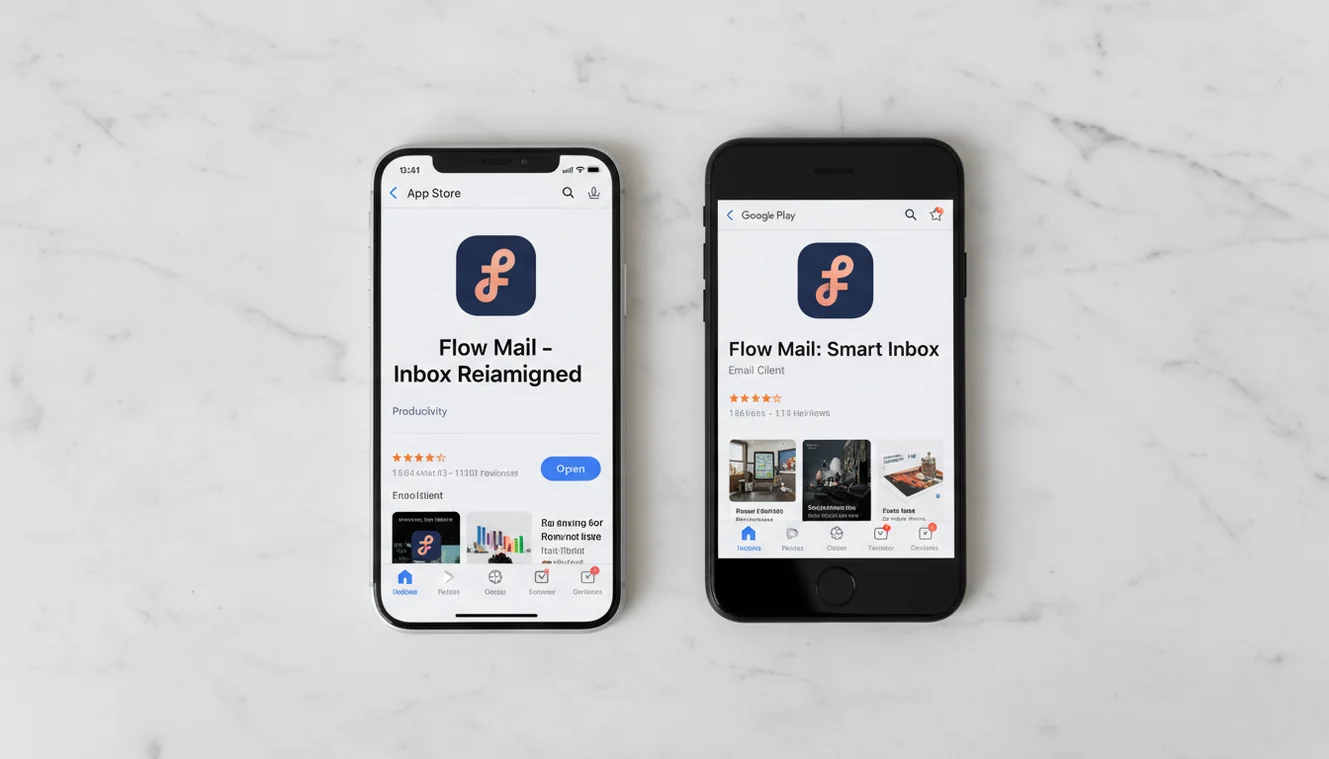
Get Fly Email free for iOS and Android. 13 AI email tools, no account required, 4.8 stars on the App Store.
What Is the Fly Email AI Email Writer App
Fly Email is a mobile application that uses AI to generate email drafts from text prompts. It includes 13 specialized email writing tools covering composition, replies, follow-ups, cold outreach, subject lines, proofreading, and more. The app is available as a free download on iOS and Android. It does not require account creation and does not access the user's email inbox or contacts.
I want to skip the marketing language and talk about what downloading this app actually gets you, because the gap between app store descriptions and real-world utility is wide enough to drive a truck through. Most AI writing apps sound impressive in their listing and then deliver a generic text box that produces the same mediocre output regardless of what you ask for. Fly Email is different in one specific way: it has 13 separate tools, each with its own structural template. That means when you use the cold email generator, the output actually reads like a cold email (hook, value proposition, call to action). When you use the reply generator, it reads the tone of the original message and matches it. When you use the formal email generator, it applies academic or legal register rather than just making the words longer.
That architectural decision, building separate tools instead of one prompt box, is what makes the output usable instead of merely plausible. I have tested this against the "just ask ChatGPT" approach extensively, and the difference in editing time is significant. Not because the underlying models are vastly different, but because the template logic saves you from having to specify structural requirements in every prompt.

Download Now
Download for iOS (iPhone & iPad)
App Ratings and Downloads
iOS: 4.8 out of 5 stars based on 48 ratings on the Apple App Store. Compatible with iPhone and iPad running iOS 16.0 or later.
Android: 1,000+ downloads on Google Play. Compatible with Android 7.0 (Nougat) and later. App size approximately 25 MB.
These numbers are modest compared to general-purpose writing apps, and I think that is worth acknowledging. Fly Email is a focused tool for a specific job. It does not try to be a grammar checker, a document editor, and an email writer simultaneously. The ratings reflect users who downloaded it for email writing specifically and found that it does that job well. A 4.8 from people who actually use the tool for its intended purpose is more meaningful than a 4.2 from millions who downloaded a Swiss Army knife app and only use one blade.
What You Get After Downloading
The app installs in under a minute on most connections. Open it and you are looking at the tool selection screen. No onboarding tutorial. No account creation flow. No "tell us about yourself" survey. You pick a tool and start generating.
The full tool list inside the app:
- AI Email Generator for composing new emails from a description of purpose and recipient.
- Email Reply Generator for producing contextual responses to received emails.
- Follow-Up Email Generator for nudging unanswered threads without sounding desperate.
- Cold Email Generator for outreach to people who do not know you yet.
- Email Subject Line Generator for testing multiple subject options before committing.
- Professional Email Writer for business correspondence with appropriate register.
- Business Email Generator for proposals, partnerships, and B2B communication.
- Formal Email Generator for academic, legal, and governmental contexts.
- Email Proofreader for grammar, tone, and clarity checking before sending.
- AI Email Assistant for general email help and draft improvement.
- Apology Email Generator for sincere, professional apology messages.
- Thank You Email Generator for gratitude emails after interviews, meetings, and favors.
- Customer Support Templates for service response drafts and ticket replies.
Every tool listed above is included in the free download. There is no tiered feature access where half the tools are locked behind a paywall. You get the full set from day one.
Free Version vs. Subscription
Here is the honest breakdown, because I find vague "freemium" descriptions unhelpful and I suspect you do too.
The free version gives you access to all 13 tools with a daily generation limit. On the web at EmailAI.me, that limit is 10 generations per day. The app's free tier provides a comparable allowance. Ten generations covers a normal email day for most people. You can write three or four original emails, reply to a few messages, generate some subject line options, and proofread a draft. If your email volume is moderate, the free tier handles it without issue.
The subscription removes the daily cap. That is the core difference. You also get priority processing speed, which means slightly faster generation during peak usage times. The AI model is the same. The output quality is identical. There is no hidden quality degradation on the free tier to push you toward paying. I have compared free and subscription output side by side. Same model, same templates, same results.
Who needs the subscription? People who generate more than ten emails daily through the tool. Sales teams doing high-volume outreach. Managers who handle fifteen or more email threads per day. Customer support staff drafting multiple responses per hour. If you are in that category, the subscription pays for itself in the first week based on time saved. If you send five or six emails a day, the free tier is genuinely sufficient and I would not tell you otherwise.
App vs. Website: Which One to Use
The Fly Email app and the EmailAI.me website use the same AI model and the same tool architecture. The output is functionally identical. The difference is context of use.
Use the website when you are at a computer. The larger screen makes it easier to provide detailed prompts, review generated output, and copy text into your email client. The web version is particularly good for batch email sessions where you sit down and draft multiple messages in sequence. Having a browser tab open alongside your inbox is a smooth workflow that the phone cannot replicate.
Use the app when you are not at a computer. Between meetings, during commutes, in waiting rooms, while traveling. The app's value is immediacy. One tap from your home screen and you are generating. No browser to open, no URL to remember, no login flow. When the choice is between sending a rough two-line email from your phone or using the app to produce a properly structured draft in fifteen seconds, the app wins every time.
Most people who download the app end up using both. The website for planned email work, the app for reactive email work. That combination covers every scenario.
System Requirements
iOS: Requires iOS 16.0 or later. Compatible with iPhone and iPad. Download size approximately 25 MB.
Android: Requires Android 7.0 (Nougat) or later. Download size varies by device, approximately 25 MB. Compatible with most Android phones and tablets manufactured after 2017.
Network: Active internet connection required for AI email generation. The app interface loads without connectivity, but text generation features depend on server communication. Wi-Fi or cellular data both work.
Read more
Limitations and Safety
The app generates email drafts. It does not send emails, access your inbox, or interact with your contacts. It is a standalone text generation tool. Your email workflow remains entirely in your control.
AI-generated emails should be reviewed before sending. The language model produces well-structured text based on your prompt but does not understand the recipient, your relationship history, or organizational communication norms. Always check generated output for factual accuracy and tone appropriateness.
Emails involving legal, HR, regulatory, or compliance matters should not be sent based solely on AI-generated drafts. These communications require review by qualified professionals. The app is a drafting assistant, not a substitute for professional judgment in high-stakes correspondence.
Fly Email does not store or retain text submitted through the app. Processing occurs in real time. No prompts or generated content are saved on servers or used for model training. See the Privacy Policy for full details. For all available tools and additional resources, visit the Fly Email email writing suite.
Get the Fly Email AI Email Writer App
Download Fly Email to write clearer business, career, and personal emails from your phone in seconds.
Download AI Email Writer AppDownload AI Email Writer App
The Download AI Email Writer tool is available as part of the Fly Email app for iOS and Android. The app includes all email writing, reply generation, and proofreading tools in a single download with no account required.
Fly Email provides the same AI email capabilities available on EmailAI.me. Users receive 10 free generations per day on the website, while the app offers extended access through optional subscription plans.