Free Email Proofreader
Paste your email draft, choose a review type, and get grammar, tone, and clarity feedback instantly.
What Is an Email Proofreader
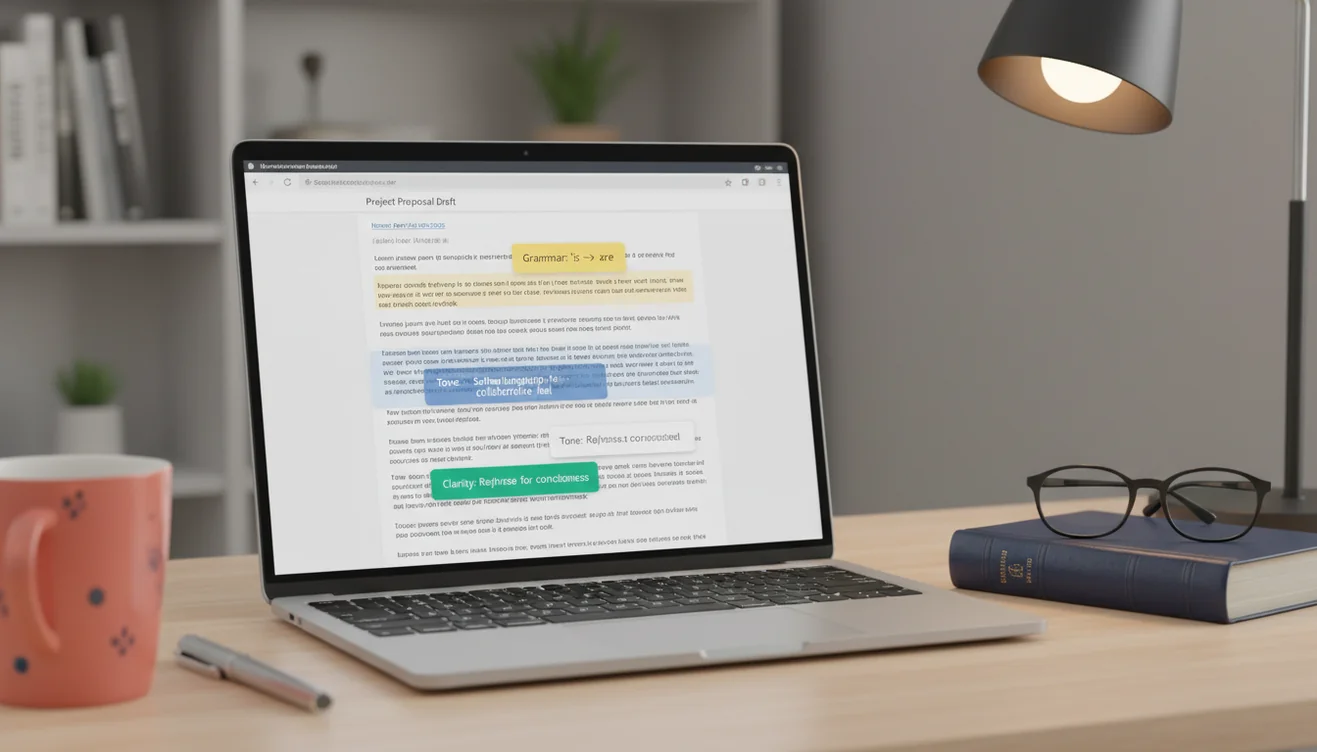
An email proofreader is a tool that reviews email drafts for grammatical errors, tone mismatches, clarity problems, and excessive length. The user pastes their email text, selects a review type, and the tool returns a corrected or improved version. The tool does not send emails or access any inbox. It processes text and returns suggestions or revisions for the user to apply.
Proofreading your own emails is nearly impossible. Not because you lack the skill, but because your brain fights you at every step. You wrote the sentence, so you know what it is supposed to say, and your visual system helpfully fills in the correct version even when the actual text on screen contains errors. You read "their" and see "there" because your brain retrieves the intended word from memory rather than processing the characters in front of you. This is not carelessness. It is a well-documented cognitive phenomenon called change blindness, and it affects everyone regardless of writing ability.
Professional editors solve this by creating temporal distance. They wait hours or days before reviewing their own writing. That delay weakens the memory trace enough for the visual system to actually read what is on the page. But email does not afford that luxury. The email needs to go out now, in five minutes, before the meeting starts, before the deadline passes. You do not have the option of sleeping on it and reviewing with fresh eyes in the morning. So you hit send with a typo in the subject line, a tone that reads harsher than you intended, and a third paragraph that repeats the first paragraph in slightly different words.
The Errors That Damage Credibility Most
Not all email errors are created equal. A missing comma in a long sentence is invisible to most readers. A misspelled recipient name is catastrophic. The hierarchy of damage roughly follows this pattern: wrong name or wrong company at the top, followed by factual errors (wrong dates, wrong numbers), then tonal missteps (too casual for the recipient, too aggressive for the situation), then grammar and spelling errors, with formatting issues at the bottom.
Name errors are uniquely destructive because they signal that you did not care enough to verify the most basic detail about the person you are writing to. Sending "Dear Michael" to someone named Mitchell tells the recipient everything about how much attention you pay to details. In sales outreach, this is an instant delete. In professional correspondence, it creates a negative first impression that the rest of the email cannot overcome.
Factual errors in emails create a different kind of damage. Quoting the wrong price, referencing the wrong meeting date, or citing an incorrect statistic erodes trust in your competence. The recipient starts questioning everything else in the email. If you got the date wrong, did you also get the deliverable wrong? If you quoted the wrong price, is the contract accurate? One factual error casts doubt across the entire message. The proofreader catches grammar and tone issues but cannot verify facts. That verification step remains your responsibility.
Tone-Checking as Hidden Value
Grammar correction gets all the attention, but tone-checking is where an email proofreader delivers its most surprising value. You know that email you wrote while frustrated after a difficult meeting? The one where every sentence is technically correct but the cumulative effect reads like a passive-aggressive memo? You probably did not notice the tone because you were writing from inside the emotion. The words felt measured to you. They do not feel measured to the reader.
Tone drift happens gradually within a single email. The opening is professional. The second paragraph gets slightly clipped as you recall the frustration. By the third paragraph, phrases like "as previously discussed" and "per my last email" have crept in, both of which carry an unspoken subtext of annoyance. The Tone Check option identifies this drift and flags sentences where the register shifts away from your intended tone.
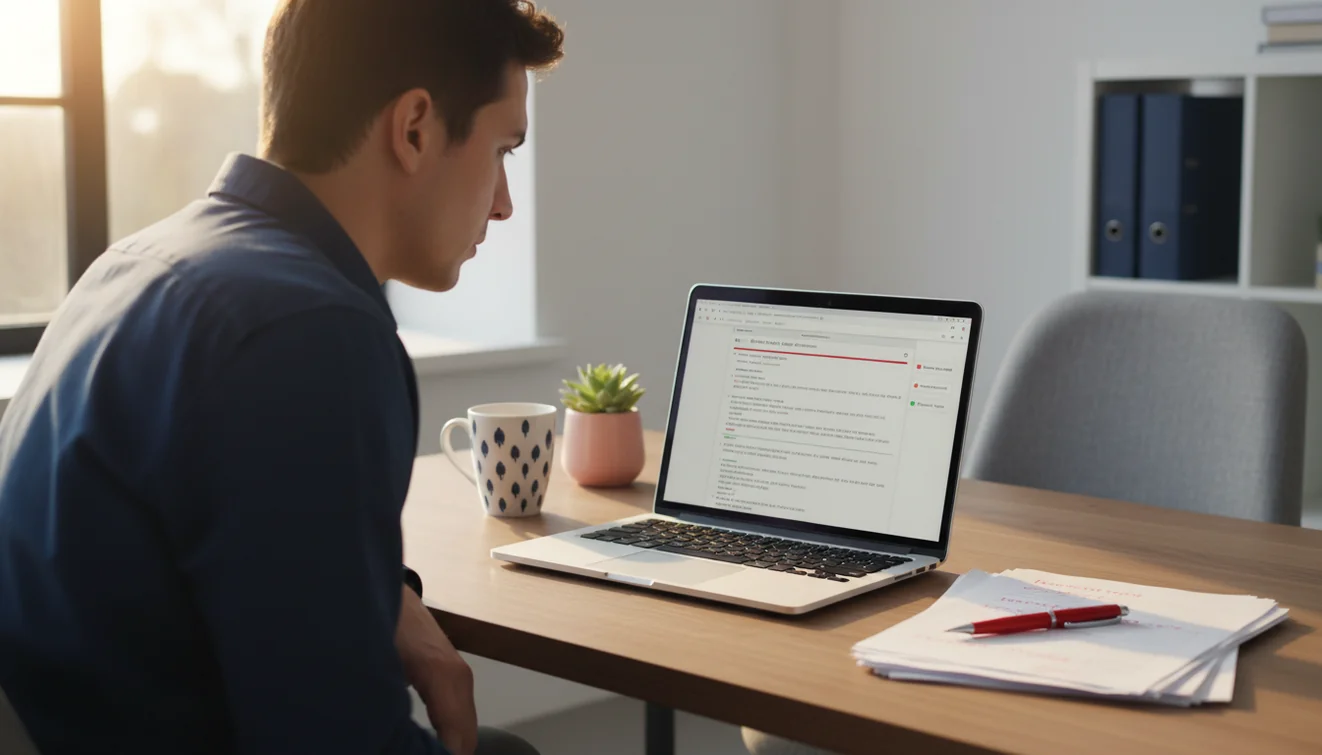
I have started running the Tone Check on every email I write to someone I have had a conflict with, regardless of whether the current email is related to the conflict. Emotional residue bleeds into word choice in ways that are invisible to the writer and obvious to the reader. Having a tool flag "this sentence reads as curt" or "this phrasing could be interpreted as dismissive" has prevented more than a few regrettable sends.
When Shortening Matters More Than Grammar
There is a particular failure mode where the email is grammatically flawless and tonally appropriate but simply too long. Nobody reads a seven-paragraph email. They scan the first two sentences, skim for bold text or bullet points, and either respond to what they think you said or archive it for later (which means never). Length is a readability problem that no amount of grammar correction solves.
The average professional spends about three seconds deciding whether to read an email in full, skim it, or skip it. That decision is based almost entirely on visible length. An email that fits on one phone screen gets read. An email that requires scrolling gets skimmed. An email that requires extensive scrolling gets deferred or ignored. This is not a judgment of the content. It is a triage behavior driven by inbox volume.
The Shorten option compresses the email while preserving the core message. It removes redundant phrases, combines sentences that say the same thing in different ways, and eliminates throat-clearing openings like "I just wanted to touch base regarding" and "I hope this email finds you well." The result is a tighter draft that respects the reader's time and increases the probability that your key points actually get read. For emails to executives, shortening is often more valuable than any other type of review.
The Three-Second Inbox Scan
Understanding how people actually process their inbox changes how you think about email proofreading. The scan pattern goes: sender name first (do I know this person), subject line second (is this relevant to me right now), preview text third (what is this actually about). All three of those evaluations happen in roughly three seconds. Your email either survives that filter or it does not.
Proofreading is usually thought of as a quality check on the email body. But the body only gets read if the email survives the three-second scan. That means your subject line and opening sentence are the highest-leverage text in the entire message. A typo in the subject line is visible before the email is opened. A vague subject line ("FYI" or "Thoughts?") fails the relevance test. A first sentence that opens with pleasantries instead of content wastes the preview text.
Use the subject line generator to produce options for the subject, then paste the full draft into this proofreader for the body. The AI email assistant can help you restructure drafts that need more than surface-level proofreading. For emails you are composing from scratch, the professional email writer produces clean first drafts that typically need less proofreading than manually written ones.
Integrating Proofreading Into Your Send Routine
The most effective proofreading habit is also the simplest: never hit send without a review pass. Paste the draft into the proofreader, run a Full Review, scan the changes, accept the ones that improve the email, and send. That adds 30 to 60 seconds to each email. Over a day of 20 outbound messages, that is 10 to 20 minutes of total proofreading time. The alternative is sending 20 unreviewed emails and hoping none of them contain the kind of error that requires an embarrassing follow-up correction.
For high-stakes emails (client proposals, executive updates, external announcements), run multiple check types sequentially. Start with Grammar Check to clean up mechanical errors, then Tone Check to verify the register matches the audience, then Shorten to eliminate bloat. That three-pass approach catches issues that a single Full Review might prioritize differently. The AI email generator can produce the initial draft, and this proofreader refines it. Together, they cover the full lifecycle from composition to final review. Explore the complete set of email writing tools on this site for every stage of the email workflow.
Limitations and Safety
AI-based proofreading evaluates text against general grammar rules and tone conventions. It does not understand organizational communication norms, industry-specific terminology, or the relationship between sender and recipient. Corrections reflect standard English usage and may not align with context-specific expectations.
The proofreader does not verify factual content including names, dates, numbers, or claims made in the email. Factual accuracy remains the responsibility of the sender. Grammar and tone corrections do not validate the truthfulness or precision of the information presented.
Emails with legal, regulatory, or HR implications should be reviewed by qualified professionals in addition to automated proofreading. The tool does not assess legal risk, compliance requirements, or policy alignment.
EmailAI.me does not store or retain any content submitted through the email proofreader. All processing occurs in real time with no server-side data retention. See the Privacy Policy for complete information on data handling.
Email Proofreader App
The Email Proofreader tool is available as part of the Fly Email app for iOS and Android. The app includes all email writing, reply generation, and proofreading tools in a single download with no account required.
Fly Email provides the same AI email capabilities available on EmailAI.me. Users receive 10 free generations per day on the website, while the app offers extended access through optional subscription plans.