Free Formal Email Generator
Select the formality register, describe the context and recipient, and get a precisely structured formal email draft instantly.
What Is a Formal Email Generator
A formal email generator is a tool that produces email drafts written in a high-register style appropriate for official, institutional, and ceremonial communication contexts. The user specifies the recipient, purpose, and formality category, and the tool outputs a structured message with conventional salutations, precise vocabulary, measured sentence construction, and appropriate closings. The output is text for the user to review and transfer to their email client.
Formal email is one of those things most people think they understand until they actually have to write one under pressure. I have watched colleagues spend forty minutes agonizing over a three-paragraph email to a university dean, and I have seen government contractors fire off messages to agency heads that read like text messages. The problem is identical in both cases: nobody teaches you where the line is. Formal does not mean verbose. It does not mean stuffing sentences with polysyllabic words or addressing everyone as "esteemed." It means applying the correct register for the context, which is a skill most people have never been explicitly taught.
What makes formality tricky is that it exists on a spectrum, and the appropriate point on that spectrum shifts depending on the institution, the culture, and the relationship between sender and recipient. A formal email to a Japanese business partner follows different conventions than a formal email to a British civil servant, which follows different conventions than a formal email to an American university provost. The vocabulary overlaps, but the structural expectations, the acceptable level of directness, and the degree of deference expected are all different. This tool's five categories (Academic, Legal, Government, Executive, Diplomatic) exist because those distinctions are real and they matter.
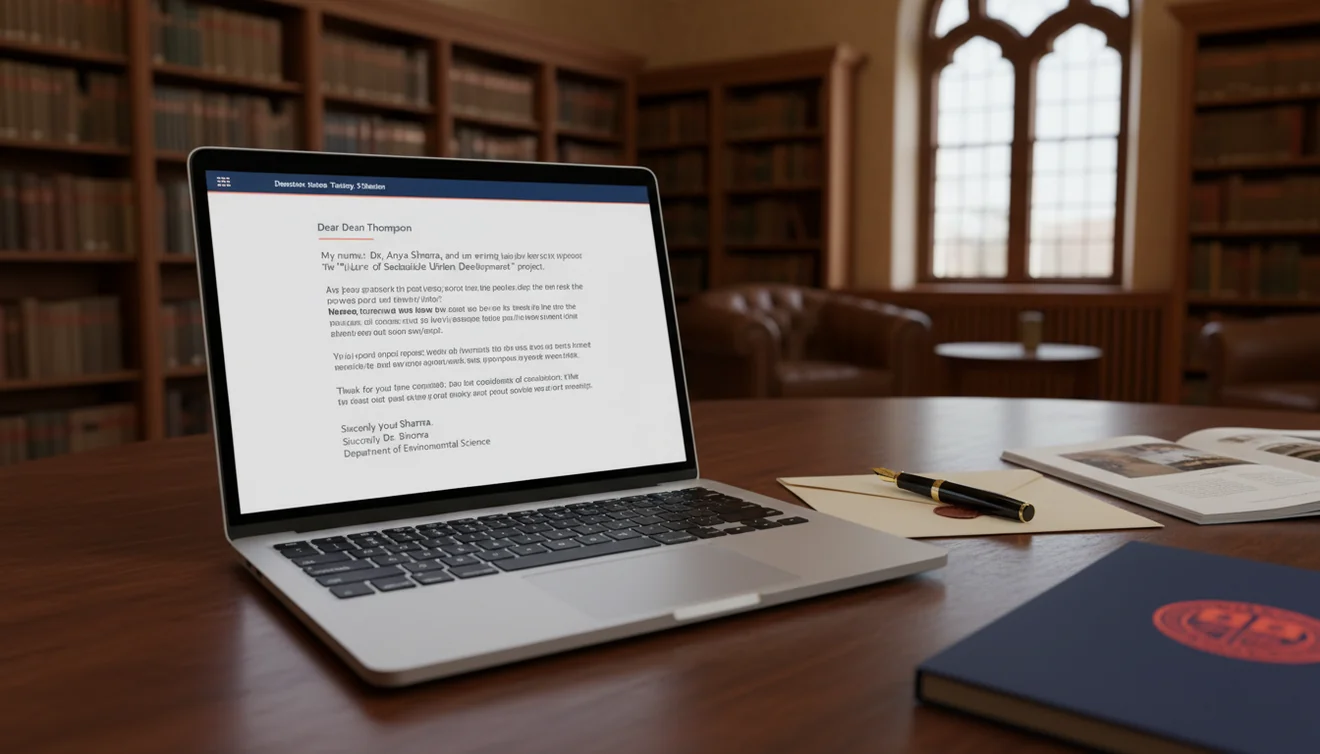
The Hierarchy of Formality
Not all formal emails sit at the same level. There is a practical hierarchy, and understanding it prevents the two most common mistakes: being too casual for the situation or being so formal that you create distance where none was intended.
At the base level, you have business formal. Clear structure, professional salutation with the recipient's name, concise paragraphs, a sign-off like "Sincerely" or "Regards." This is what the Executive option produces. It suits communication with senior leadership, board members, or high-profile clients. The language is precise and respectful but not ornate. Think of it as wearing a well-fitted suit: appropriate for serious occasions without being ceremonial.
Institutional formal sits a level above that. This is where Government and Academic emails live. The structure becomes more rigid. Paragraphs follow a specific logical order (context, purpose, request, closing). Titles are used consistently. References to policies, regulations, or institutional procedures are expected. An email to a federal agency requesting information under FOIA reads nothing like an email to your VP asking for budget approval. The institutional layer adds procedural weight to every sentence.
Diplomatic formal occupies the highest register. Language becomes deliberately indirect. Requests are framed as suggestions. Disagreements are expressed through careful understatement. The closing acknowledges the relationship's importance regardless of the message content. If institutional formal is a suit, diplomatic formal is full evening dress. You do not wear it often, but when the situation demands it, nothing else will do.
Academic Email Norms That Most People Get Wrong
Academic email has its own culture, and it is more rigid than most outsiders realize. I spent years in and around higher education, and the number of emails I received from students and external contacts that violated basic academic conventions was staggering. Not because the senders were rude, but because they genuinely did not know the rules.
Rule one: use the correct title. "Dr." for anyone with a doctorate. "Professor" for anyone holding a professorial rank. "Dear Dr. Martinez" is always safe. "Hey Professor" is not. "Hi Sarah" to a professor you have never met is a fast way to get your email deprioritized. The Academic option in this tool defaults to title-based salutations because that is the correct baseline in higher education.
Rule two: state your purpose in the first sentence. Faculty receive dozens of emails daily. An opening like "I am writing to request an extension on the midterm paper for PSYCH 301 due to a family emergency" tells the professor everything they need to know immediately. An opening like "I hope this email finds you well. I wanted to reach out regarding something that came up recently" forces them to read three more sentences before they understand what you want. The AI handles this well when your prompt is specific about the academic context.
Rule three: keep it short. Academic professionals value their time. One clear paragraph stating the request, one paragraph providing necessary context, one closing line. That is the structure. Anything longer and you are writing an essay, not an email.
Legal Email: Precision Over Politeness
Legal correspondence operates under different constraints than any other formal category. Every word carries potential implications. Ambiguity is not a style issue; it is a liability. The Legal option produces emails with precise phrasing, explicit references to documents and clauses, and language that avoids unintentional commitments or admissions.
There is a specific rhythm to legal email that distinguishes it from general formal writing. Sentences tend to be longer because they include qualifiers and conditions. Paragraph breaks follow logical rather than aesthetic rules. The closing often specifies deadlines and consequences. "Please provide the amended agreement by close of business on March 14, 2026" is typical legal email. "Please send it when you get a chance" is not.
I want to be direct about something: AI-generated legal emails are drafts, not finished documents. The tool produces competent formal structure and appropriate vocabulary, but it does not understand the legal context of your situation. It does not know whether a particular phrasing might constitute a waiver of rights or an inadvertent admission. Any email involving litigation, contracts, regulatory compliance, or employment law should be reviewed by qualified counsel before sending. The generator gives you a starting point. Your attorney gives you the green light.
Government and Diplomatic Contexts
Government email follows procedural conventions that exist for institutional reasons. Subject lines reference case numbers, file references, or regulatory citations. The body follows a strict logical sequence: identify yourself and your authority, state the purpose, provide supporting information, specify the requested action, indicate the deadline and applicable regulation. That structure is not a suggestion. It is how government correspondence works, and deviating from it signals that you are unfamiliar with the process.
Diplomatic email softens everything. Where a government email says "submit the required documentation by April 1," a diplomatic email says "we would welcome the opportunity to review the relevant documentation at your earliest convenience." The meaning is similar. The register is entirely different. Diplomatic language preserves the relationship above all else, even when delivering unwelcome information. It is a style that many people find frustrating to write because it feels indirect. But in contexts involving international partners, interagency cooperation, or sensitive institutional relationships, that indirectness is the point.
When Excessive Formality Backfires
There is a real cost to being overly formal when the situation does not call for it. I have seen it create problems in three specific ways. First, it slows communication. Overly formal emails take longer to write, longer to read, and longer to respond to because the recipient feels obligated to match the register. A simple yes-or-no question buried inside a formal email generates a formal response that takes three paragraphs to say "yes." Second, it creates social distance. If your team lead sends you a one-line message and you respond with "Dear Mr. Chen, I write to acknowledge receipt of your communication..." you have introduced a barrier that makes future interactions awkward. Third, it can signal insecurity. People sometimes default to maximum formality because they are unsure of their standing. That reads as uncertainty to experienced communicators.
The correct approach is to match the register to the context. Use this tool's category selector as a guide. Academic for universities. Legal for attorneys and courts. Government for agencies. Executive for senior leadership in corporate settings. Diplomatic for situations requiring maximum care. For everything else, the professional email writer provides the right balance of polish without ceremonial weight.
Getting the Best Results
Specificity in your prompt determines output quality. "Write a formal email" produces something generic. "Write a formal email to the Dean of Arts and Sciences requesting approval to offer a new undergraduate seminar in computational linguistics, noting that the department has secured external funding and that the course aligns with the university's strategic plan for interdisciplinary programs" produces something you can nearly send verbatim. Include the recipient's title, the institutional context, the specific request, and any relevant reference numbers or policies.
For ongoing email needs, pair this tool with the business email generator when the context is corporate rather than institutional. The email proofreader can review generated formal drafts for grammar and tone consistency. The AI email assistant handles iteration when you want to adjust the formality level or restructure paragraphs after the initial generation. And the full suite of tools at EmailAI.me covers every email scenario from casual to ceremonial.
Read more
Limitations and Safety
The formal email generator applies general formality conventions for each category. It does not have access to institution-specific style guides, internal terminology, or the hierarchical expectations of your particular organization. Output represents a competent baseline that requires human review for context-specific appropriateness.
Legal emails generated by this tool are drafts and do not constitute legal advice. Correspondence related to litigation, contracts, regulatory filings, or employment actions must be reviewed by qualified legal professionals before sending. The tool does not assess legal risk, jurisdictional requirements, or organizational policy.
Cultural formality norms vary significantly across countries and institutions. The tool applies English-language formality conventions that may not align with expectations in non-English-speaking contexts or institutions with distinct cultural communication practices. Always consider the recipient's cultural background when evaluating whether the generated register is appropriate.
EmailAI.me does not store or retain any content submitted through the formal email generator. All text processing occurs in real time with no server-side data retention. See the Privacy Policy for complete information on data handling practices.
Formal Email Generator App
The Formal Email Generator tool is available as part of the Fly Email app for iOS and Android. The app includes all email writing, reply generation, and proofreading tools in a single download with no account required.
Fly Email provides the same AI email capabilities available on EmailAI.me. Users receive 10 free generations per day on the website, while the app offers extended access through optional subscription plans.