Free Customer Support Email Templates
Describe the customer issue, choose the response type, and get a professional support email draft in seconds.
What Is a Customer Support Email Template Generator
A customer support email template generator is a tool that produces email response drafts for common customer service scenarios. It takes a description of the customer's issue, sentiment, and the intended resolution, then outputs a structured message with empathy language, clear explanations, and actionable next steps. The tool generates text for support agents to review, customize, and send through their help desk or email client.
Every support email is a brand touchpoint. That is not a platitude. I mean it literally. For most customers, the only time they interact with a real human at your company is when something goes wrong. The marketing site is a monologue. The product is an interface. But a support email? That is a conversation with a person who represents everything the company claims to be. And most companies blow it with canned responses that feel like they were written by someone who has never been a frustrated customer.
I have managed support teams. I have written the macros. I have watched agents paste the same six templates into 200 tickets per day, each one sounding more hollow than the last. The problem is not that templates exist. You need templates when you are handling volume. The problem is that most templates are written once by someone in operations and never updated, never tested against actual customer sentiment, and never adapted to the emotional register of the situation they are meant to address.

Angry vs. Confused vs. Disappointed: They Need Different Emails
This is the insight that separates adequate support from support that actually retains customers. An angry customer, a confused customer, and a disappointed customer have described three completely different emotional states, and responding to all three with the same template is a failure of empathy that your customer will feel immediately.
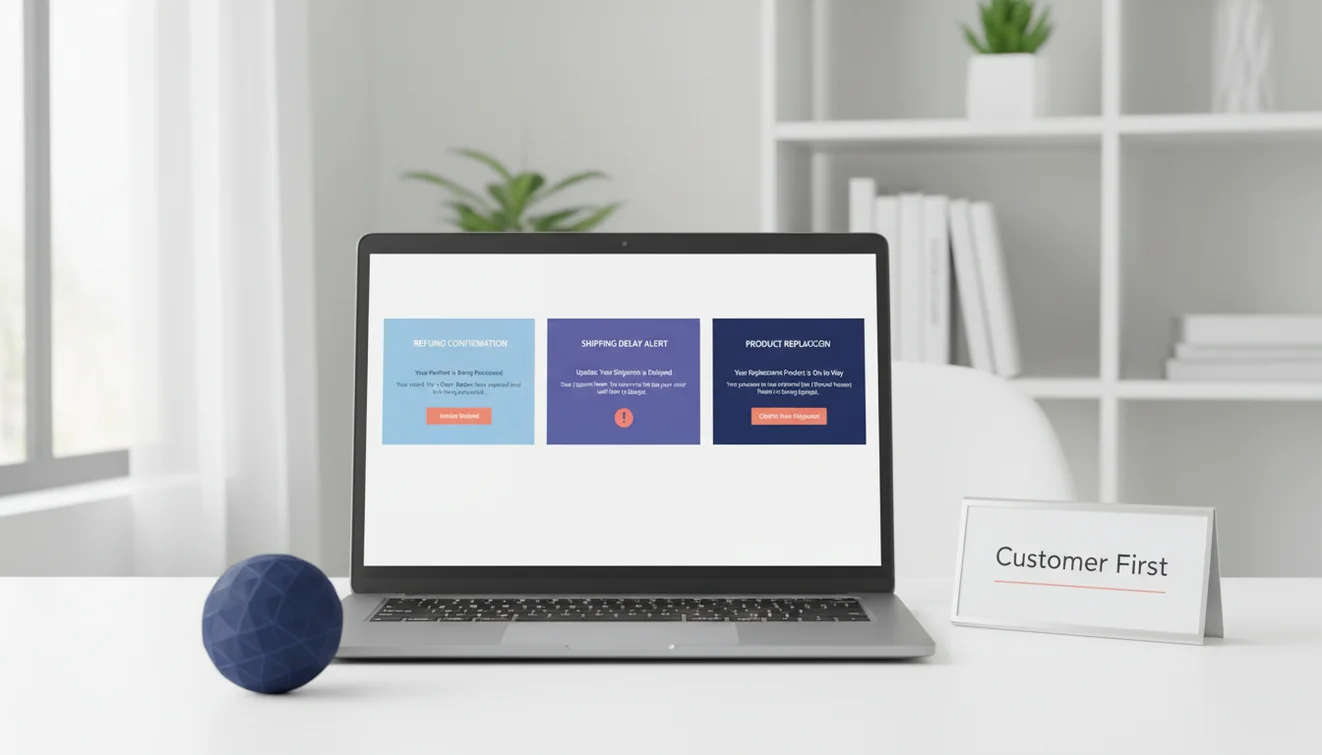
Angry customers need acknowledgment first. Not explanation, not defense, not a recitation of your refund policy. "I understand this experience was frustrating, and I'm sorry we let you down." That sentence has to come before anything else. The moment you lead with an explanation ("Due to our processing times..."), the angry customer reads it as an excuse and escalates. The Refund Response option produces emails that lead with acknowledgment because that is what de-escalation requires.
Confused customers need clarity. They are not upset. They do not understand what happened or what to do next. Their emotional state is closer to bewilderment than anger. The right response walks them through the situation step by step, in plain language, without jargon. "Here's what happened, here's why, and here's what we're doing about it." The Issue Resolution option structures responses this way: chronological explanation, current status, next steps. No filler, no over-apologizing for something the customer is not even angry about.
Disappointed customers are the hardest to address because their emotion is quieter. They expected something and did not get it. They are not yelling. They might not even complain. They just leave. The emails that reach disappointed customers need to validate their expectation ("You're right that you should have received your order by Thursday") and then demonstrate concrete action. Not "we're looking into it." That phrase has become meaningless in customer support. Something specific: "I've reshipped your order via express delivery, and here's the new tracking number."
The Acknowledge, Explain, Resolve Framework
Every support email, regardless of scenario, should follow three steps. Acknowledge the customer's experience. Explain what happened or what is happening. Resolve with a clear action or next step. This framework works for refunds, shipping delays, product bugs, billing errors, feature requests, and escalations. The specifics change. The structure does not.
Acknowledge: State what the customer experienced without minimizing it. "Your order arrived five days late" is acknowledgment. "We apologize for any inconvenience caused by the delay" is corporate deflection that nobody believes. The difference is specificity. Name the problem. Do not hide behind vague language.
Explain: Provide the relevant context without making excuses. Customers want to understand why something happened, but they do not want a lecture about your supply chain. "Our fulfillment center experienced a system outage on Tuesday that delayed shipments by 3 to 5 days" is enough. Short, factual, no blame-shifting to third parties.
Resolve: Tell the customer exactly what you are doing and what they can expect. Include timelines. "We've issued a full refund to your original payment method. You should see it within 3 to 5 business days." If the resolution is not immediate, provide a specific follow-up date. "I'll update you by Friday with the engineering team's findings." Vague resolutions ("we'll get back to you soon") erode trust because the customer has no idea whether "soon" means hours or weeks.
Shipping Delays: The Template Everyone Needs
Shipping delays account for a disproportionate share of support volume, and they test a company's communication more than almost any other issue. The customer paid for something. They expected it on a certain date. It did not arrive. Everything after that is damage control.
The Shipping Delay option produces emails that handle this gracefully. Include the order context, the reason for the delay (if you know it), and the updated timeline. The generator structures the response to lead with the new expected delivery date because that is what the customer actually wants to know. Not why it happened. When they will get their stuff.
A pattern I have seen work well: proactive delay notifications before the customer contacts you. If you know an order is going to be late, emailing the customer before they notice builds trust rather than eroding it. "Your order is running 2 days behind our estimated delivery. The new expected arrival is March 12. We apologize for the delay." That email, sent proactively, turns a potential angry ticket into a customer who thinks, "At least they told me."
Feature Requests and Escalations
Feature request emails occupy an awkward space. The customer wants something your product does not do. You probably cannot promise it will ever do it. But dismissing the request feels bad, and promising something you cannot deliver is worse. The Feature Request option produces a balanced response: thank the customer for the feedback, confirm the request has been logged, and set honest expectations about the product roadmap without making commitments.
Escalation emails require a different kind of precision. When a customer issue needs to move to a supervisor, specialist, or engineering team, the email to the customer needs to communicate progress without sounding like they are being passed around. "I've brought in our senior support specialist, Alex, who has direct access to the tools needed to resolve this." That framing positions the escalation as an upgrade in attention, not a sign that the first agent could not handle the problem.
For situations requiring an apology beyond standard support language, the apology email generator produces more nuanced messages calibrated to the severity of the issue. Use the email reply generator when responding to complex customer threads where the context matters as much as the content. The professional email writer handles formal support communications for enterprise clients. And the thank-you email generator is useful for closing resolved tickets with a genuine note of appreciation. The complete suite of Fly Email email writing tools covers every stage of customer communication.
Limitations and Safety
The support email generator applies general customer service communication principles. It does not access customer records, order histories, CRM data, or company-specific policies. Output represents a language template that requires verification against your organization's actual policies, return windows, warranty terms, and service level agreements.
Support emails involving refund amounts, compensation offers, legal liability, or regulatory disclosures should be reviewed against company policy before sending. The tool does not calculate refund amounts, determine warranty eligibility, or assess compliance with consumer protection regulations.
AI-generated support responses may not match your brand voice, internal terminology, or escalation procedures. Organizations with established support style guides should review output for consistency with their documented standards before agent use.
EmailAI.me does not store or retain any content submitted through the support email generator. All processing occurs in real time with no server-side data retention. See the Privacy Policy for complete details on data handling.
Customer Support Email Templates App
The Customer Support Email Templates tool is available as part of the Fly Email app for iOS and Android. The app includes all email writing, reply generation, and proofreading tools in a single download with no account required.
Fly Email provides the same AI email capabilities available on EmailAI.me. Users receive 10 free generations per day on the website, while the app offers extended access through optional subscription plans.